
Download Word Lens Translator – real time translation, camera translation, language translation, Android app, travel tool
Overview
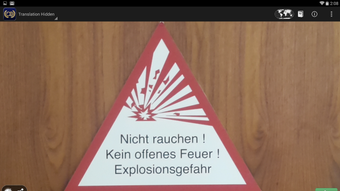
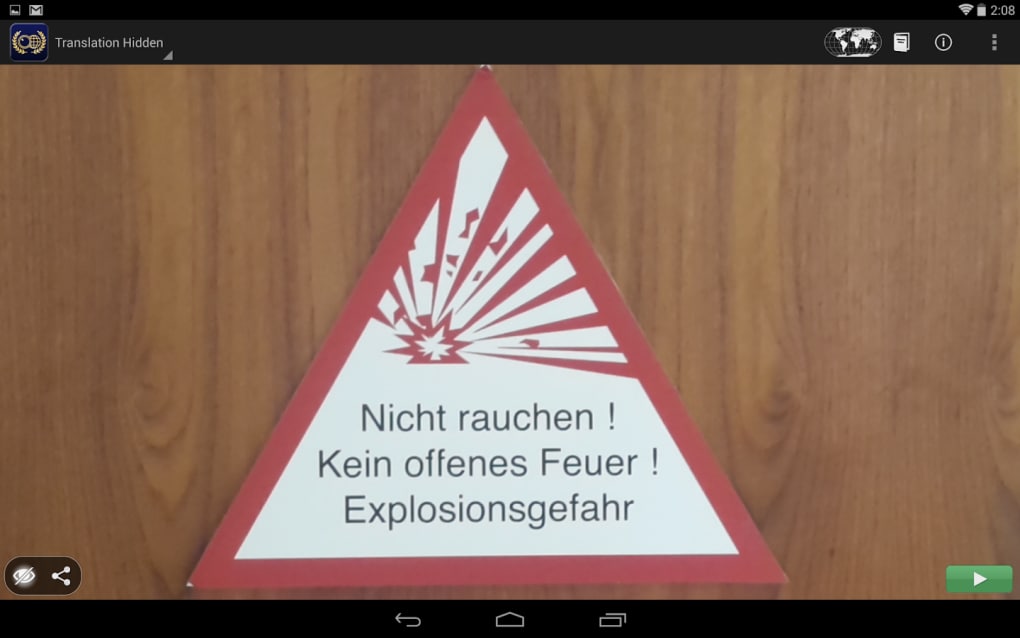
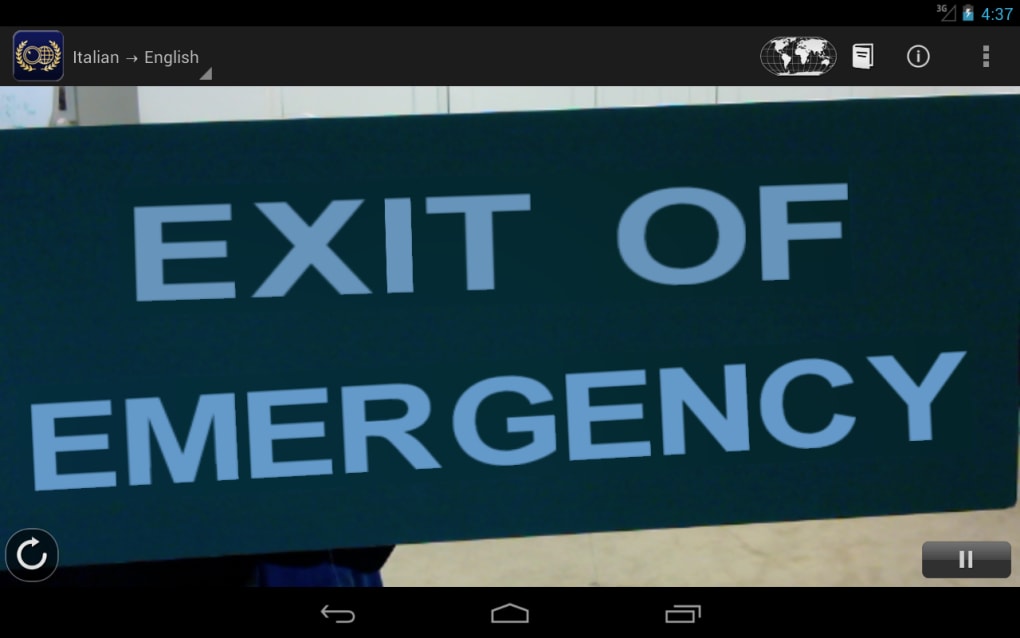
Word Lens Translator is a mobile application designed to deliver real-time translations using the camera of an Android device. Its primary function is to detect text in the real world—such as signs, menus, and documents—and instantly translate it into the user’s preferred language. This tool is particularly useful for travelers navigating foreign environments where language barriers can be overwhelming. By leveraging the device’s camera feed, the app overlays translated text directly onto the original image, enabling users to read foreign text without needing to manually input it.
The software is tailored for casual users and frequent travelers who require quick, on-the-go language assistance. While it does not teach users to speak a new language, it provides immediate visual comprehension, reducing anxiety during international trips. The developer, Google, has a strong reputation in language and AI technologies, lending credibility to the app’s functionality. Real-world usage scenarios include reading street signs in Paris, understanding restaurant menus in Tokyo, or deciphering public transit schedules in Berlin.
Despite its utility, the app is no longer available for download, indicating it has been discontinued. The developer did not provide additional details about its future support or migration path. Users seeking similar functionality should consider alternative tools.
Key Features & Capabilities
- Real-time camera-based translation – The app uses the Android device’s camera to detect and translate text instantly, allowing users to point their device at foreign text and see translations overlaid in real time.
- Offline language support – Language packs for Spanish, Italian, French, German, Russian, and Portuguese were available at no cost, enabling translation without an internet connection.
- On-screen text overlay – Translated text appears directly on the camera feed, preserving the original layout and structure of the source text for natural readability.
- Integrated dictionary – A built-in dictionary allows users to look up words that were not accurately translated or to find definitions quickly, without using the camera.
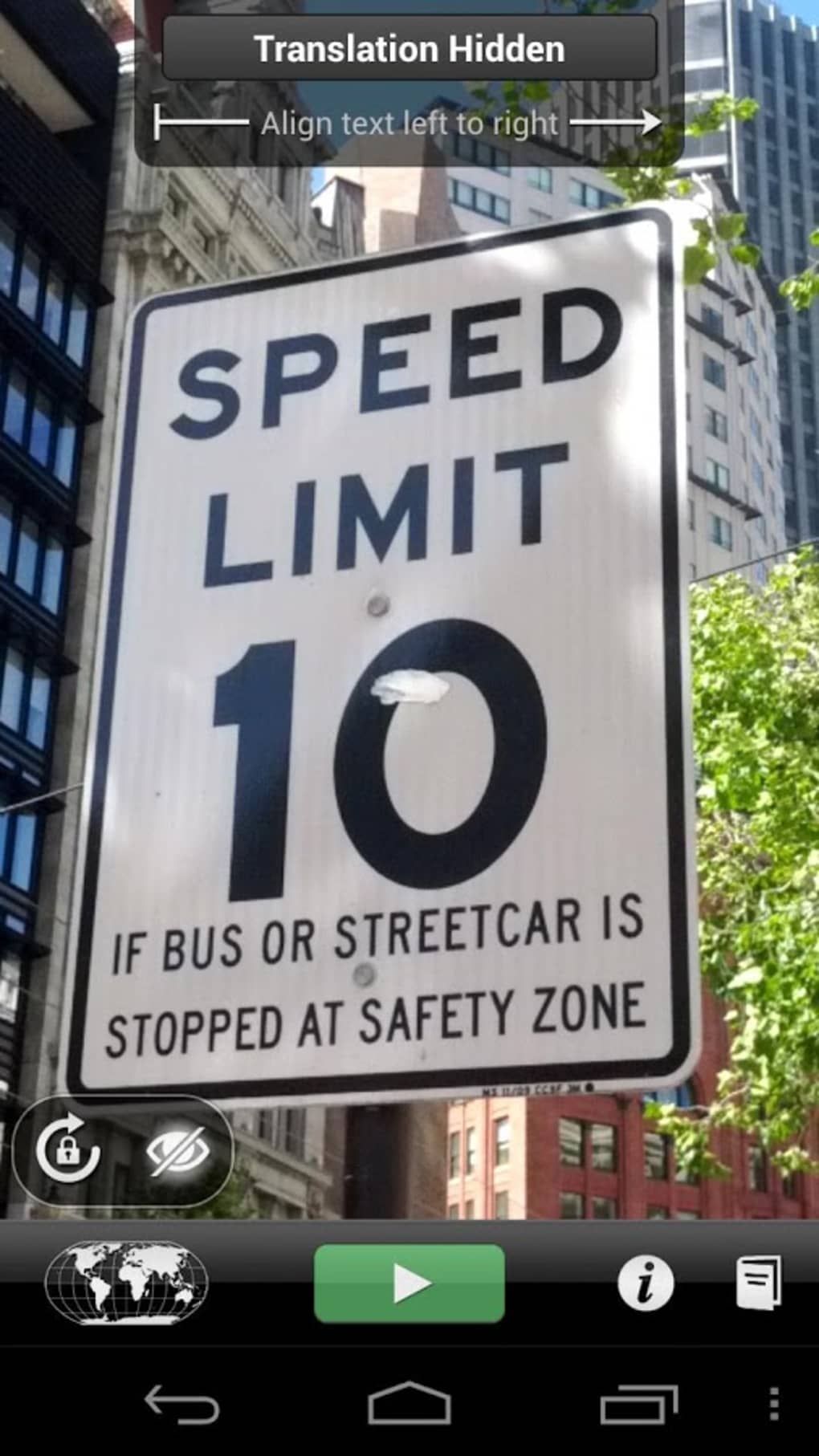
- Demo mode – A demonstration feature showcases the app’s capabilities by reversing or erasing words, illustrating the underlying technology.
These features make the app ideal for travel, education, and quick language comprehension. For instance, a user in a non-English-speaking country can point their phone at a train schedule and instantly understand departure times. The dictionary feature supports deeper exploration of unfamiliar vocabulary, enhancing the learning experience. However, the accuracy of translations was not guaranteed, and some results were inconsistent.
User Interface, Workflow & Performance
The user interface of Word Lens Translator is minimalistic and intuitive, designed for immediate usability. Navigation is straightforward: users launch the app, grant camera access, and point the device at any text. The app processes the image in real time, detecting text boundaries and applying translations seamlessly. The workflow is optimized for speed and simplicity, requiring no manual input or typing.
Performance was generally smooth on supported Android devices, though exact resource usage details were not specified. The developer did not provide information about CPU or RAM consumption. Stability was reportedly consistent during active use, with no widespread reports of crashes or freezes. However, translation accuracy varied depending on text clarity, font style, and background complexity.
Users could expect a responsive experience when the camera feed was stable and well-lit. The app’s reliance on real-time image processing suggests it was optimized for mid-range Android hardware. Performance observations are based on general software behavior patterns, as no benchmark data was made available.
Compatibility & System Requirements
Word Lens Translator is designed for Android devices and was released with version 1.0. The app has a file size of 12 MB, indicating a lightweight footprint. It was compatible with a range of Android smartphones and tablets at the time of release.
Exact system requirements were not listed. The developer did not specify minimum Android OS versions, processor types, or memory specifications. Compatibility information was partially provided, and users are advised to check device compatibility before attempting installation. The app was not available on other platforms, such as iOS or desktop operating systems.
Pros and Cons
Pros
- Real-time translation using the camera for instant comprehension
- Offline functionality with free language packs
- Intuitive interface with minimal user input required
- On-screen text overlay preserves original layout
- Integrated dictionary for word lookup
Cons
- App is no longer available for download
- Translation accuracy varies and is not always reliable
- No support for additional languages beyond the initial six
- Performance depends heavily on lighting and text clarity
- Developer did not provide updates or migration path
FAQ Section
Is Word Lens Translator still available to download?
As of this review, the app is no longer available for download through official channels. It has been discontinued by the developer.
Can I use Word Lens Translator offline?
Yes, the app supported offline translation using pre-downloaded language packs, which were available at no cost.
What languages does Word Lens Translator support?
At the time of release, the app supported Spanish, Italian, French, German, Russian, and Portuguese.
Does Word Lens Translator require an internet connection?
For basic translation functionality, an internet connection was not required. However, some features may have needed connectivity depending on the version.
Is Word Lens Translator secure to use?
As a Google-developed app, it was designed with standard security practices. However, since it is no longer available, users should exercise caution when using third-party alternatives.
Final Thoughts + CTA
Word Lens Translator was a pioneering tool in the realm of real-time visual translation, offering a glimpse into the future of language accessibility. Its ability to translate text through a camera feed with minimal user effort made it an invaluable asset for travelers and language learners. While its accuracy was not perfect, the overall experience was impressive and innovative.
Despite its discontinuation, the app remains a benchmark for mobile translation tools. For users seeking similar functionality, exploring current alternatives is recommended. The legacy of Word Lens Translator lives on in modern applications that continue to push the boundaries of AI-driven language technology.
Download Word Lens Translator now





.png)

